
Select a word
Highlight a word or phrase. Right-click → Create card, use Alt+C or open the toolbar panel.
Make AI flashcards for Anki from the words you find while reading. Get a translation, examples and audio — then review in Chrome or export to Anki.
Try 5 free generation attempts. No account or API key needed to start. Internet and service availability required.
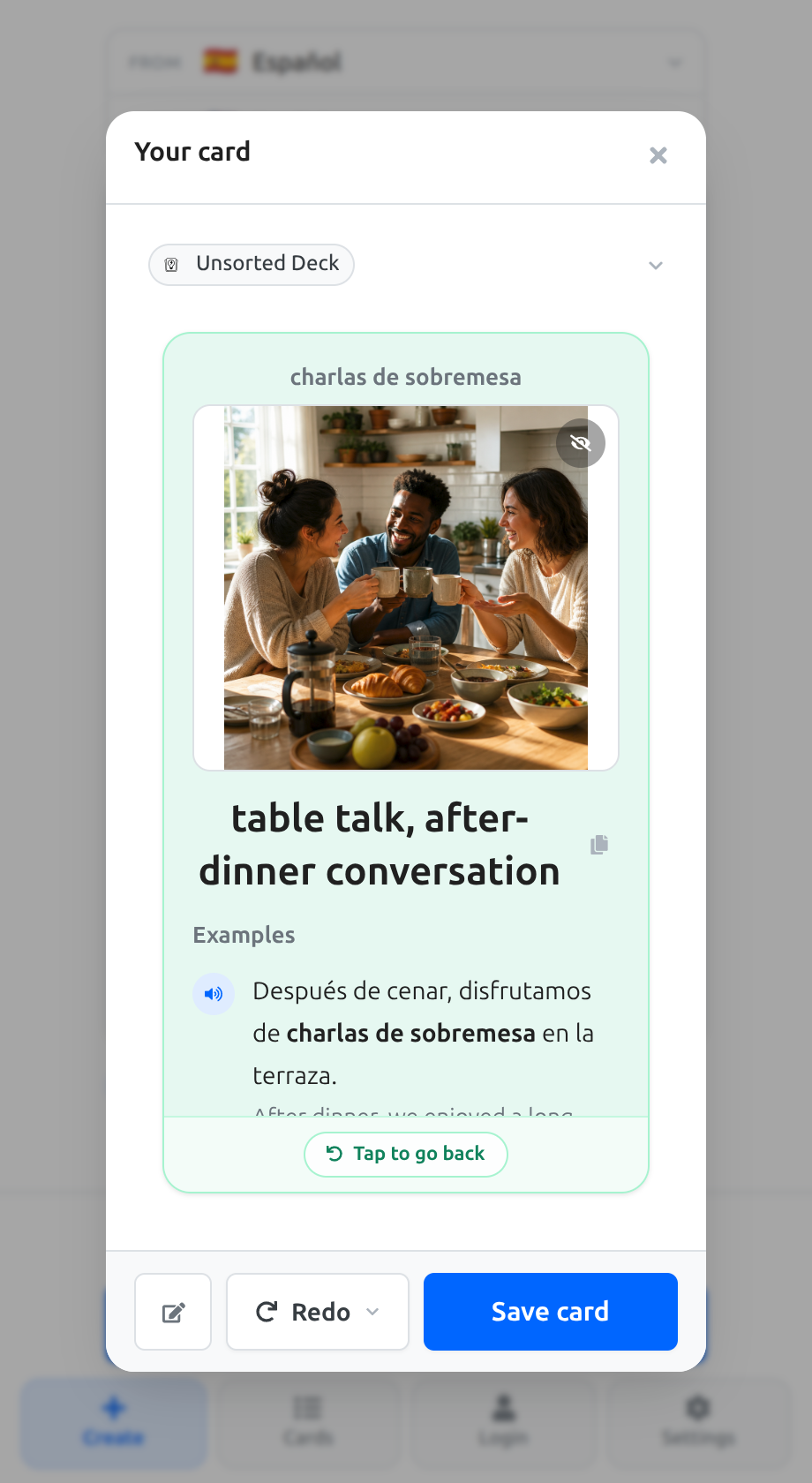
Use words from articles, blogs and web books, with the context that helped you discover them.
Highlight a word or phrase. Right-click → Create card, use Alt+C or open the toolbar panel.
Choose a translation language, generate a card, check the answer and edit anything you need.
Review saved cards in the browser, export to a file or send them to Anki Desktop.
Cards can keep example sentences, the source sentence and a link back to the page when available.
Word pronunciation audio and optional AI images help you connect the word with meaning. Check generated content before saving.
Saved cards and spaced repetition work locally. Rate your recall and return to cards when they’re due.
Edit translations and examples before saving. Anki export and an account are optional; you can start with browser review.
Create a card alongside the article, then carry the useful words into your next review.
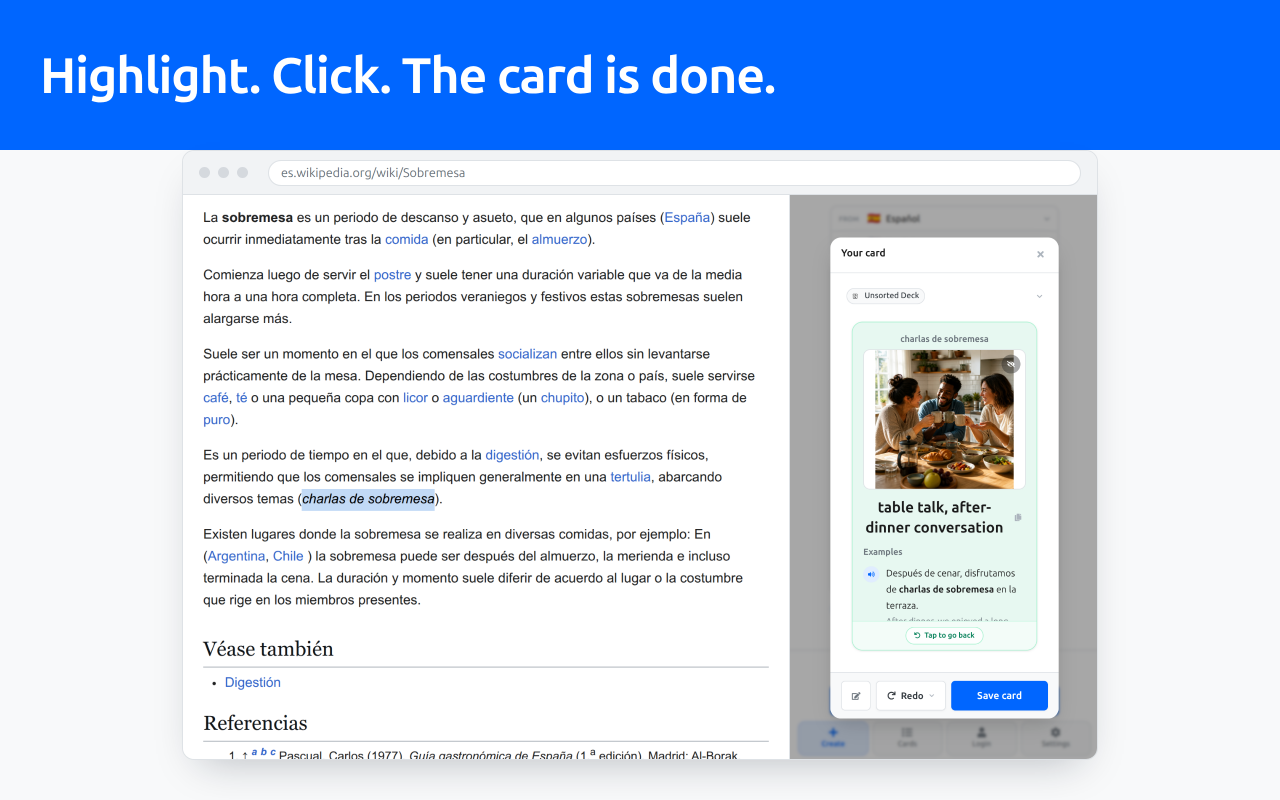
Screenshot of the extension with a sample card. Generation time depends on the provider and service load.
Install from the Chrome Web Store and try a sample word. Save a card and start your first review without an account.
Send cards to your existing Anki collection. This is optional and needs a small one-time setup.
Free to try: 5 AI generation attempts per new installation, subject to service limits. After that, your saved cards remain available for local review. Optional own-key generation is billed by the API provider.
No. You can save cards locally and practise with spaced repetition in the browser. Anki is optional. Direct export requires Anki Desktop running with the AnkiConnect add-on installed and configured.
A new installation starts with 5 card-generation attempts without an account or API key. Cards include translation, examples, word audio and an optional image when available. Generation needs internet and is subject to network and daily service limits. Provider failures can use an attempt. The panel shows your remaining allowance.
You can still review saved cards locally. To continue AI generation, add your own OpenAI API key in extension settings. Your API provider bills this usage separately; a Vaulto Note Pro subscription does not include extension AI usage.
Direct selection is not supported in Chrome’s built-in PDF viewer, browser/system pages and some restricted pages. You can paste a word or phrase into the composer instead.
The current extension is designed for language vocabulary: words and short phrases. It is not a general exam-question generator. Check AI output and edit it before saving.
Install the extension and try a free vocabulary card.